Connecting your e-shop to Foxdeli – Shopify app
If your e-shop runs on Shopify, we’ll walk you through the connection step by step.
- The Foxdeli for Shopify app is available at: https://apps.shopify.com/foxdeli?locale=cs.
Installing the app
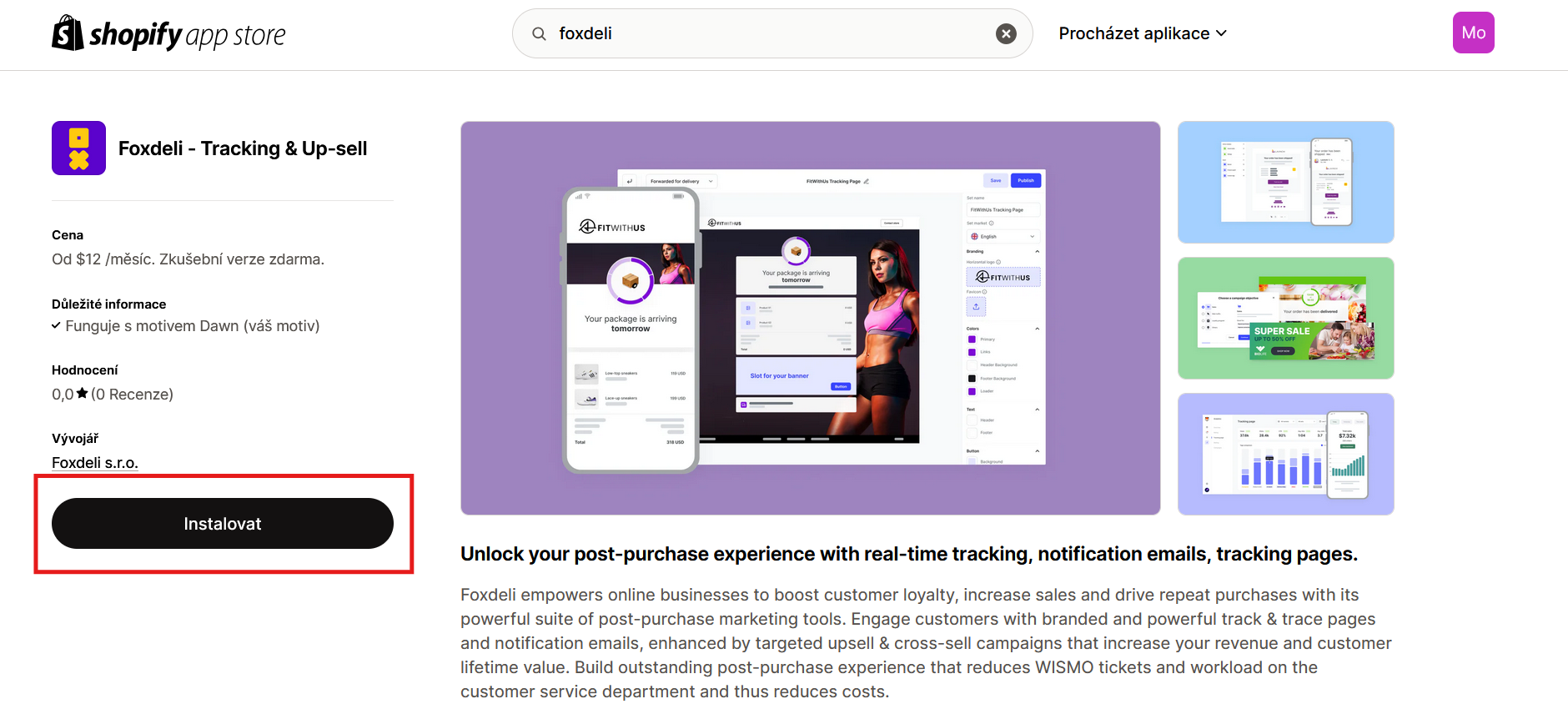
- Go to the app’s page in the Shopify App Store (see the link above) and click the “Install” button.
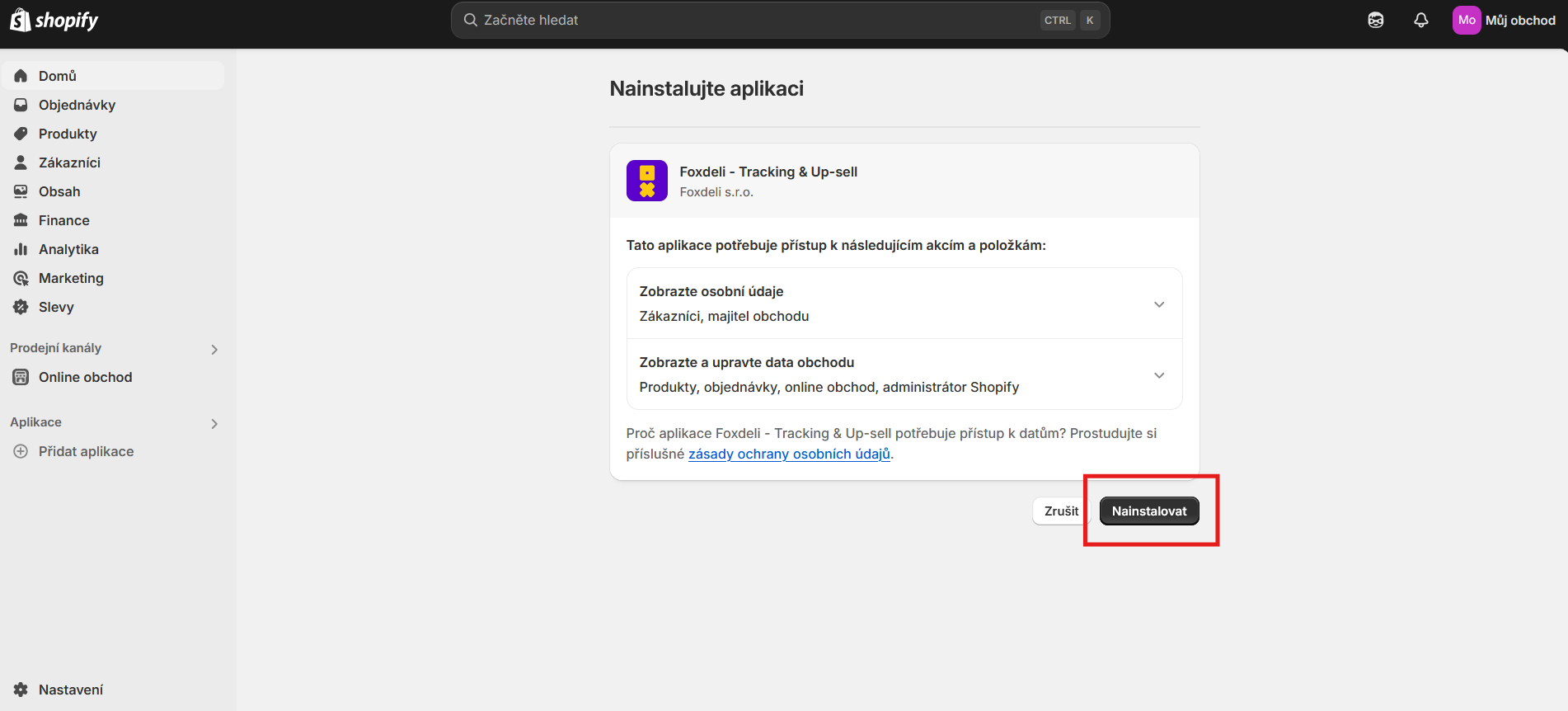
- Then confirm the Foxdeli app once more (you’ll find it under Apps in your Shopify admin, or by searching for it).
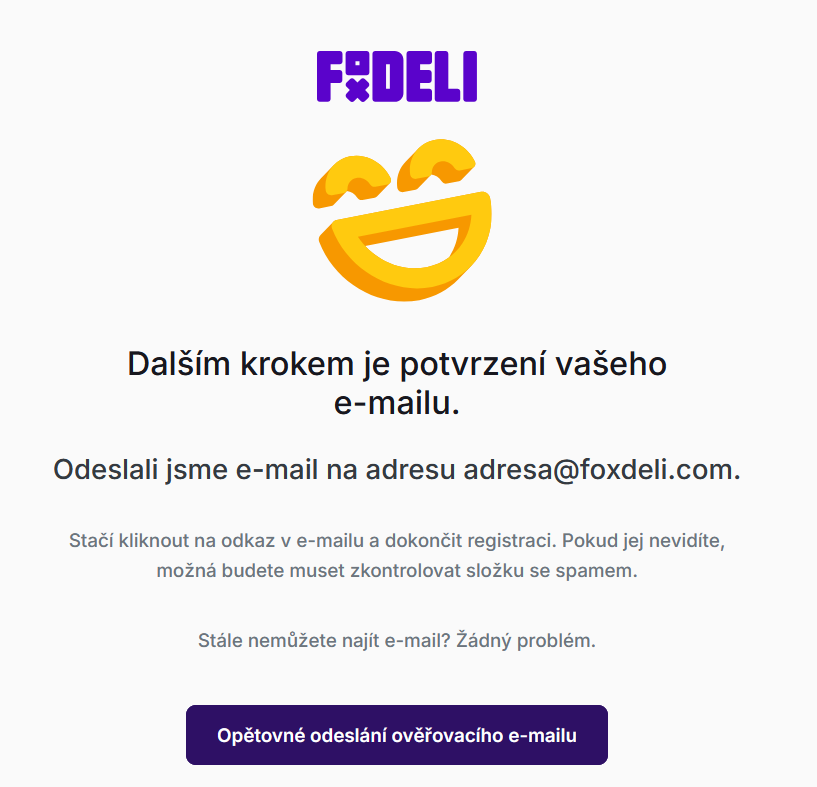
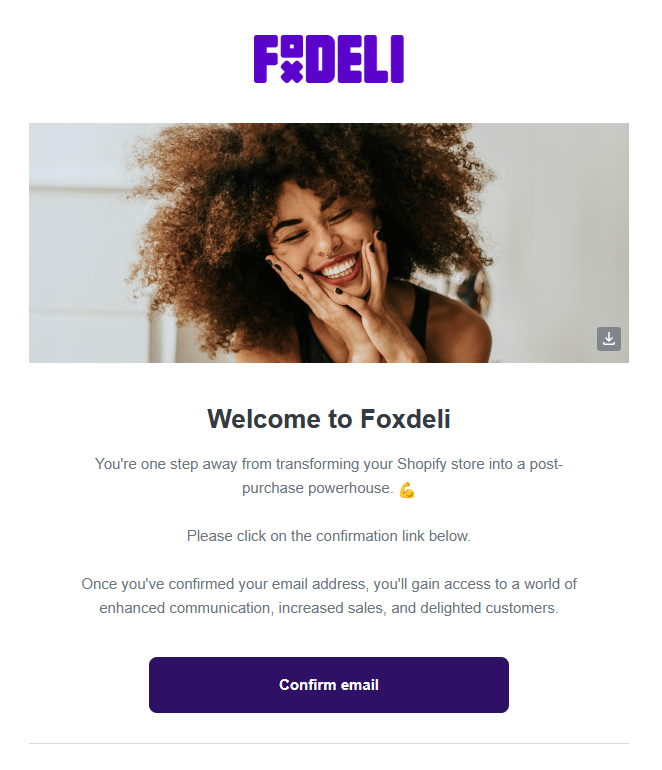
- After the installation, you’ll be asked to verify your e-mail address. The message is sent to the e-mail address your e-shop is registered with on Shopify. In the e-mail, click the “Verify e-mail address” button.
- Once verified, you’ll be redirected to the Foxdeli app and asked to choose a password. Your login e-mail is still the one your e-shop is registered with on Shopify.
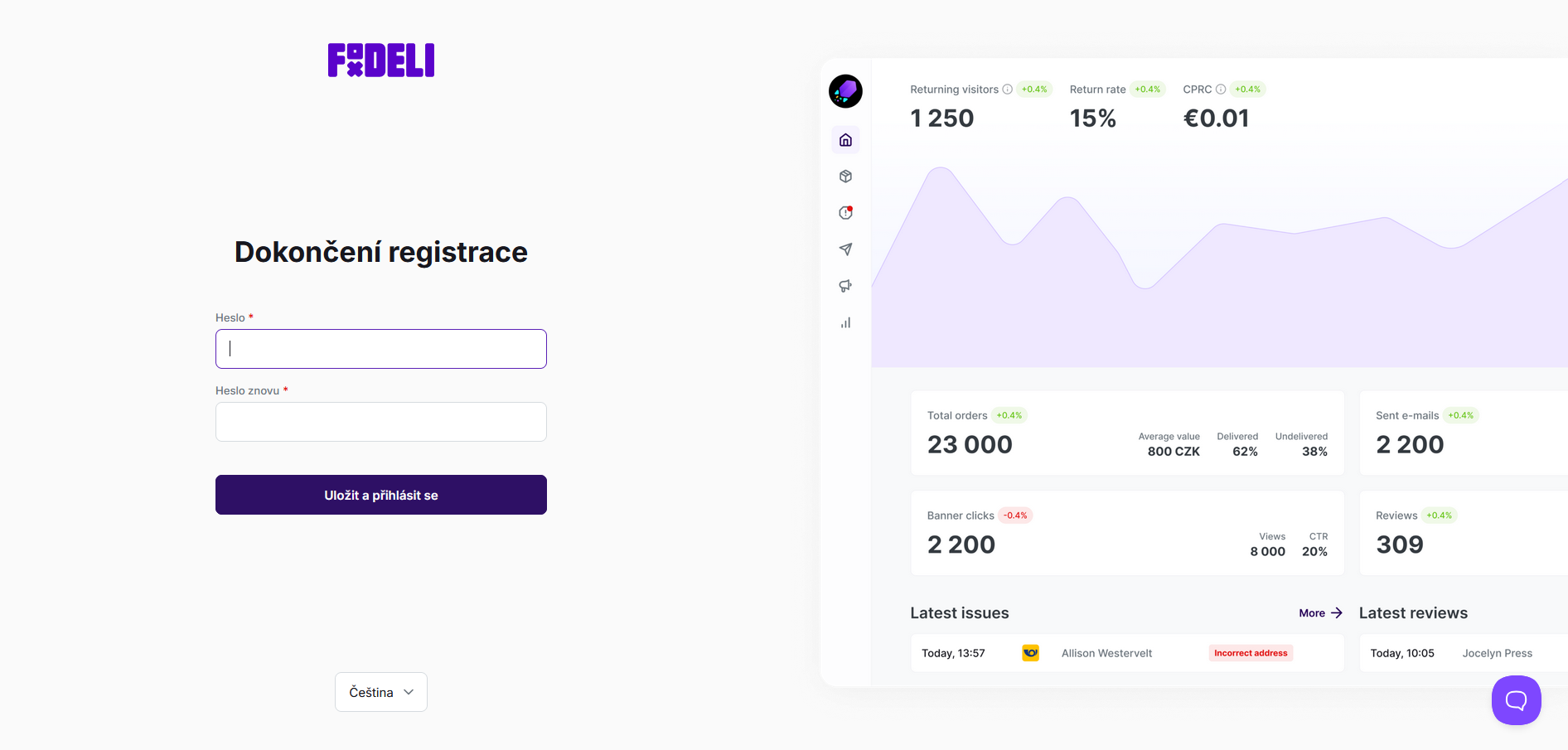
- After entering the password, you’re in the Foxdeli app. To finish setting up and connecting your account, select a plan in the “Billing” section.
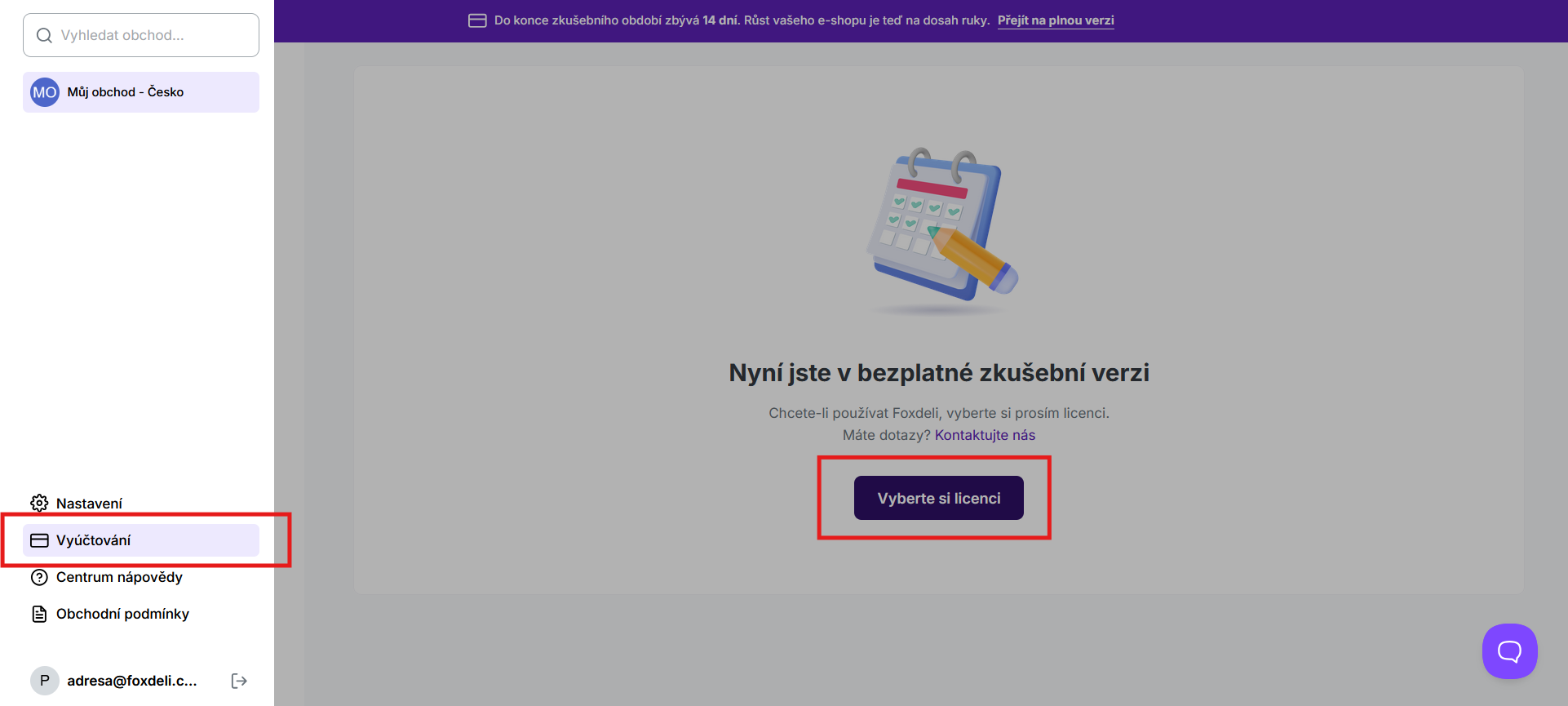
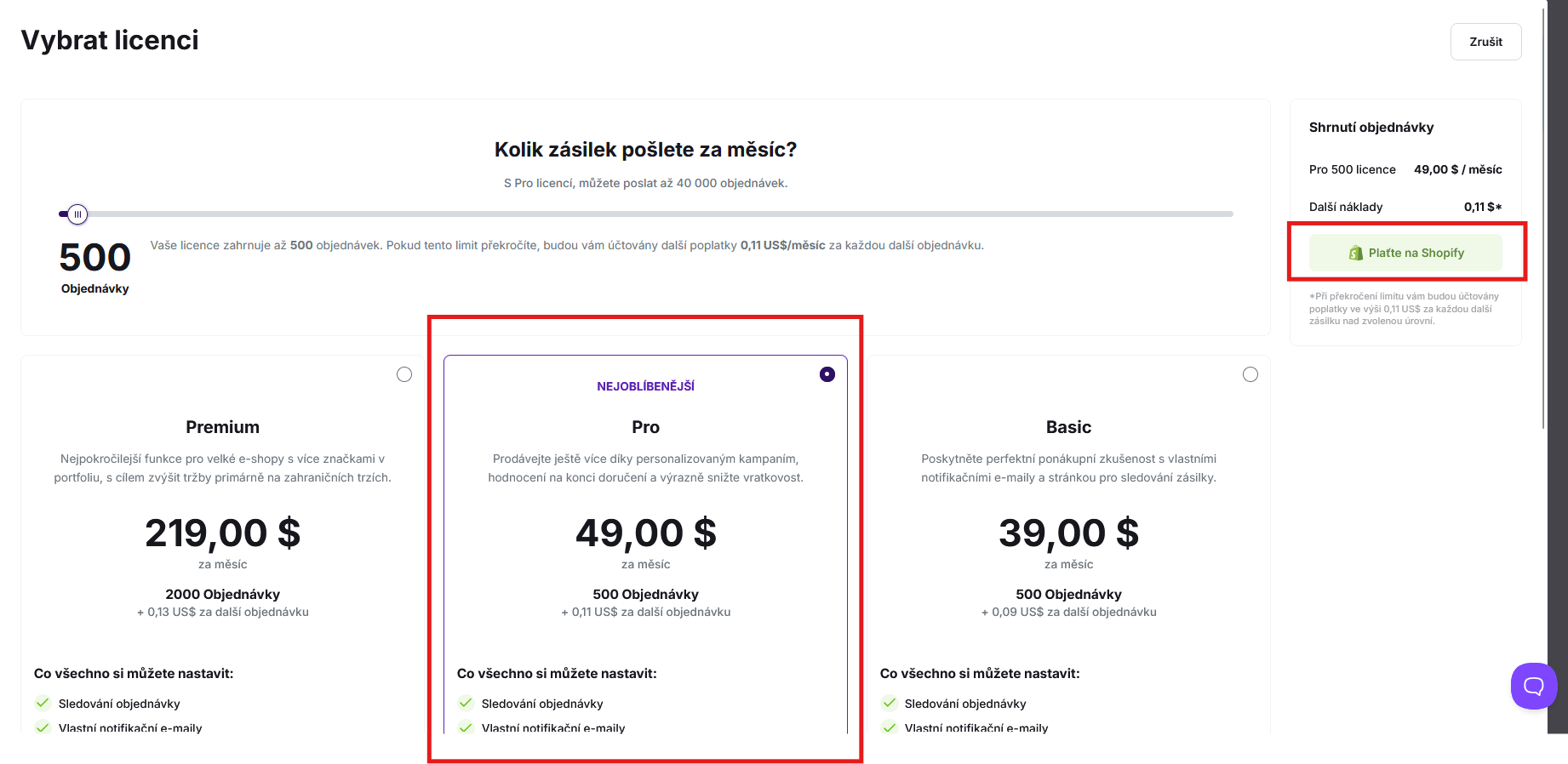
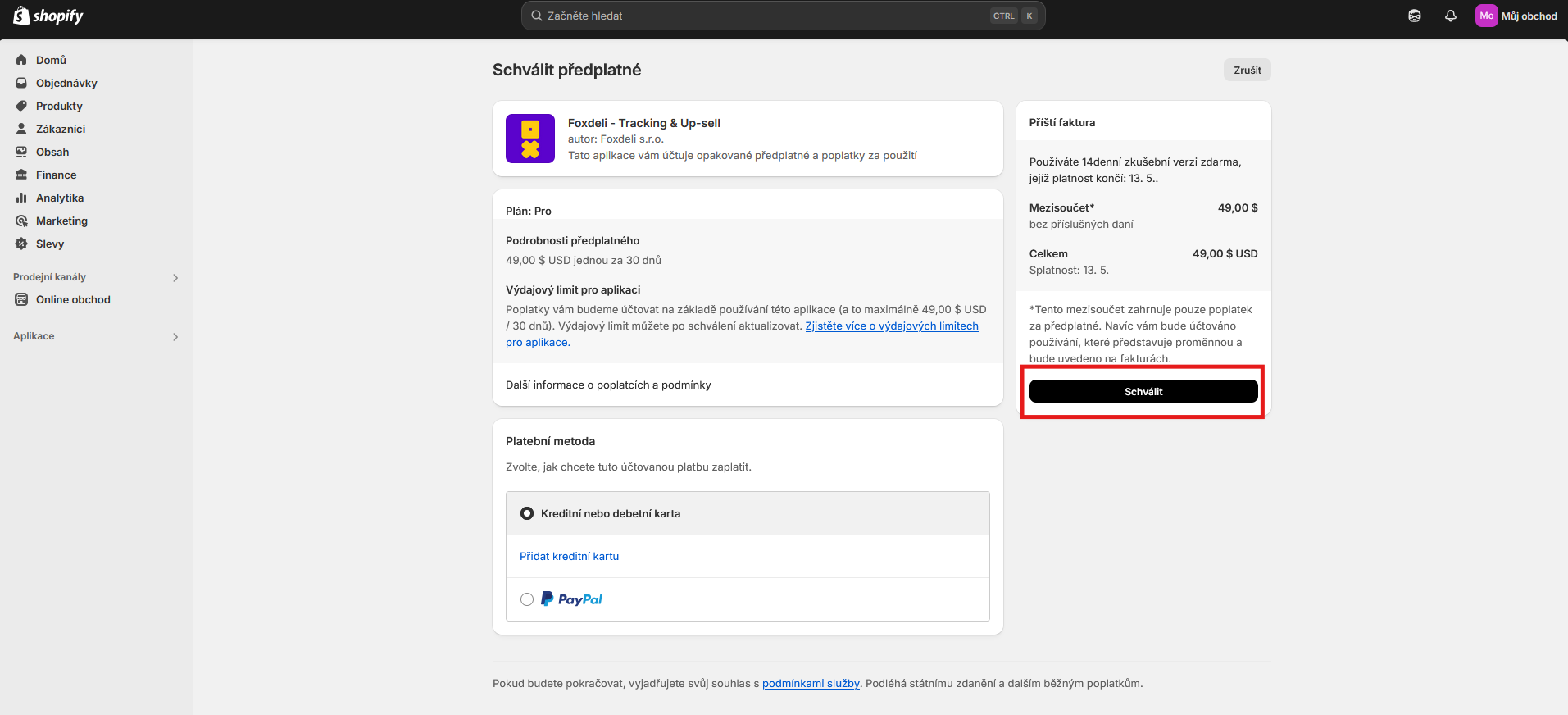
- Finally, confirm the subscription in Shopify as well, in the section with your installed apps. This starts your 14-day trial; after that, you’ll be charged according to the plan you selected.
Still have questions?
Contact usMore articles in this category
- Brick-and-mortar pickup places for personal pickup
- Delayed due to carrier time constraints – a workflow status
- Duplicating templates, campaigns and workflows
- How to turn on e-mail communication: working with Workflow
- Sending e-mails from your own domain (DKIM verification)
- SMS to customers
- What you'll find on the Dashboard
- UTM parameters in links
- Connecting your e-shop to Foxdeli – Shoptet module
- Getting started with Foxdeli
- Connecting multiple stores to one account
- Payment details in the order summary
- Attachments in e-mails
Articles in this category
- Brick-and-mortar pickup places for personal pickup
- Delayed due to carrier time constraints – a workflow status
- Duplicating templates, campaigns and workflows
- How to turn on e-mail communication: working with Workflow
- Sending e-mails from your own domain (DKIM verification)
- SMS to customers
- What you'll find on the Dashboard
- UTM parameters in links
- Connecting your e-shop to Foxdeli – Shoptet module
- Getting started with Foxdeli
- Connecting multiple stores to one account
- Payment details in the order summary
- Attachments in e-mails